Laptop specs are getting more confusing – here’s what actually matters in 2026 | Daily Reports Online
In the pre-AI era, buying a Windows laptop or Windows desktop used to be pretty simple.
You looked at the processor, checked how much RAM and storage it had, considered a few screen size options, and tried to work out whether the battery claim sounded even vaguely realistic.
Fast forward to 2026, however, and most PC spec sheets look much busier and lot more focused on AI.

Alongside the usual phalanx of numbers and brand names, you’ll now find labels such as AI PC, Copilot+ PC, Snapdragon X Elite or X2, AMD Ryzen AI, NPU, and TOPS, among many others.
Some of these terms are definitely useful and relatively easy to understand, others are easy to misread, and a few sound more important than they are.
The good news is that the fundamentals have not disappeared.
The best laptop still depends on your apps, workload, budget, and the parts of the machine you’ll notice every day, such as CPU speed, memory, battery life, screen quality, ports, and weight.
The newer AI specs can help, especially if you want the latest on-device Windows features, but they are only one part of the picture.
To help demystify the laptop buying process, let’s take a look at how to read a laptop spec sheet in 2026 – from AI PC to TOPS – and what actually deserves your attention before you buy.
AI PC vs Copilot+ PC: what’s the difference?
“AI PC” is the broadest label on the spec sheet. In most cases, it means the laptop has some form of dedicated AI hardware, usually a neural processing unit, or NPU, built into the chip.
While AI PC can be a useful shorthand, especially if you’re comparing newer laptops against older models, it is still a flexible term; different manufacturers use it in slightly different ways.
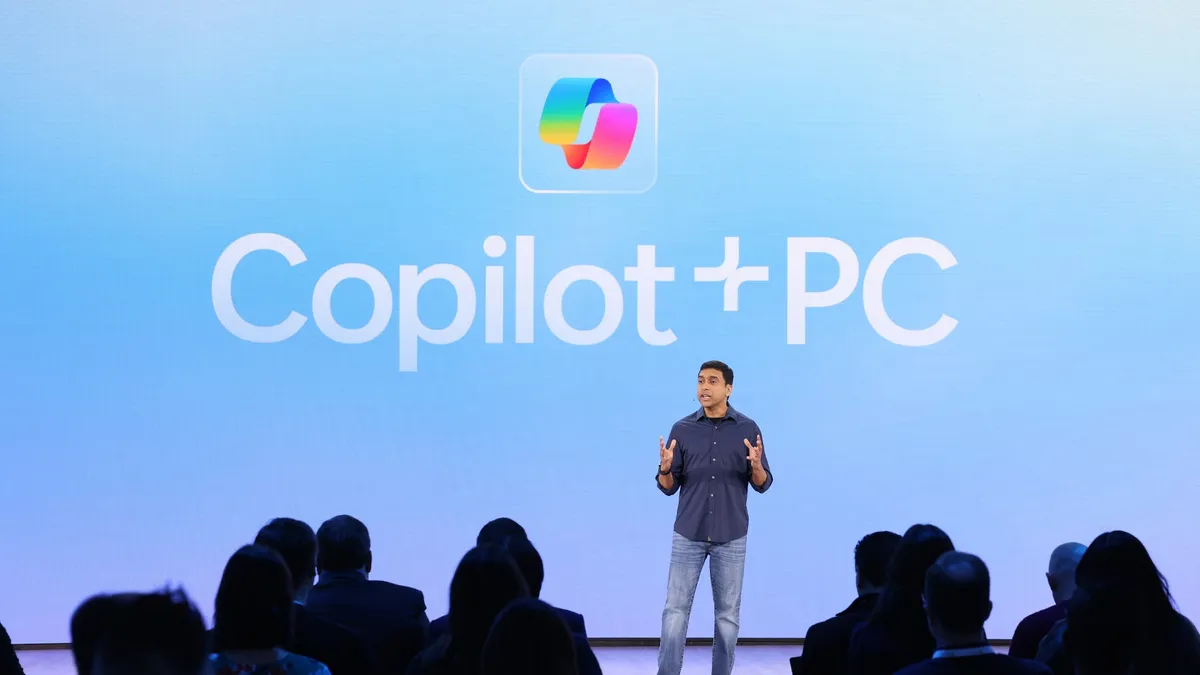
“Copilot+ PC” is Microsoft’s own branding category for Windows laptops that meet a defined hardware standard.
In 2026, that means a compatible processor or system-on-chip with an NPU capable of at least 40 TOPS, 16GB of DDR5 or LPDDR5 RAM, and at least 256GB of SSD storage. (Basically, a powerful set of specs.)
A Copilot+ PC should be ready for Microsoft’s latest on-device AI features, like smarter search and Live Captions, but it does not automatically tell you whether the laptop has enough storage or enough graphics heft.

NPU and TOPS: the new numbers in town
The NPU is the new spec most likely to trip people up. Short for neural processing unit, it is a dedicated part of the chip designed to handle AI tasks more efficiently than the CPU alone.
TOPS is the number usually attached to the NPU, and it stands for “trillions of operations per second”, giving you a rough sense of how much AI work an NPU can handle.
For a Copilot+ PC, the important number is 40 TOPS or higher. Once a laptop clears that bar, it should be able to run Microsoft’s current on-device AI features.
A higher TOPS number may help with some local AI features, especially as software catches up, but it does not tell you how fast the laptop will feel when you open a big Photoshop file or fill Chrome with tabs.
For most people, NPU performance is worth checking, but it shouldn’t take precedence over the specs you’ll feel every day, like battery life or screen size.

Snapdragon X, Intel Core Ultra, and AMD Ryzen AI explained
Processor (or CPU) names have quietly become one of the easiest parts of the spec sheet to misread.
Newer Snapdragon X2 laptops push that further with more powerful NPUs and improved graphics, but the basic buying question remains the same: will your apps run properly on Arm?
For most everyday tools, the answer is now likely to be yes.
Browsers, Microsoft 365, video calls, media apps, and many creative tools either run natively or work well through Windows’ translation layer. The areas to check are usually more specific, like older Windows software or specialist work apps.
Intel Core Ultra and AMD Ryzen AI laptops take a more familiar x86 route, while still adding NPUs for newer AI features.
One thing to note: the exact model wording is important. A laptop with “Core Ultra” on the box is not automatically a Copilot+ PC, and the same goes for older Ryzen laptops without the right AI hardware.

RAM still matters more than most AI labels
For a mainstream laptop in 2026, 16GB should be treated as the baseline – especially if the machine is being sold as an AI PC or Copilot+ PC – giving you enough headroom for normal work, video calls, web apps, and so on.
Anyone buying for heavier work like photo editing or coding should look at 32GB if the budget allows. As the AI boom takes hold, though, RAM is getting extremely expensive, so make sure you do really need it.
One benefit of buying a laptop with more RAM is that, in general, it will make the laptop eel useful for longer, especially on machines where the RAM is soldered and cannot be upgraded later.

Storage: 256GB is the minimum in 2026
For most people, 512GB is the better starting point, and leaves more breathing room over the lifetime of the laptop.
A 1TB drive is worth considering if you work with large files or want more local storage for games, video, or AI tools. However, as mentioned in the RAM section, AI companies are rapidly driving up prices for higher-storage SSDs.
External drives and cloud storage can help, but they are not a complete substitute for having enough fast storage inside the laptop you use every day.

Battery life: look for real-world testing
Battery life is one of the biggest promises behind the latest AI PCs, especially newer Arm-based Windows laptops.
More efficient chips and dedicated NPUs can help away from the charger, but battery life is still one of the easiest specs to oversell. A claim such as “up to 20 hours” may be based on video playback or controlled test conditions, rather than a normal day of usage.
Look for tested battery life that reflects mixed use, rather than assuming the biggest number on the box will match your working day.

The boring specs still matter
While AI labels are useful, they obviously don’t make the rest of the laptop disappear. The screen, keyboard, trackpad, ports, weight, heat, and fan noise will shape your experience far more often than a fancy Copilot+ badge.
The best way to read a laptop spec sheet in 2026 is to start with your own needs: enough RAM, enough storage, tested battery life, and a screen and keyboard you’ll be happy to use for hours at a time.
After that, the NPU and TOPS figure can help you understand how ready the machine is for newer on-device AI features.
Windows laptop spec sheets have not become meaningless, just easier to misread. The best laptop is still the one that gets the fundamentals right first, then uses its AI hardware to add something useful on top.

Follow TechRadar on Google News and add us as a preferred source to get our expert news, reviews, and opinion in your feeds.